

Swapio: buy, sell and
swap anything
Mobile app, website and admin panel on one backend
Offer an item in exchange instead of selling it
Paid boosts put ads on top and in Trending
Payment secrets stay on the server, never in the app
How it works
Post in a minute. The server decides when it goes live.
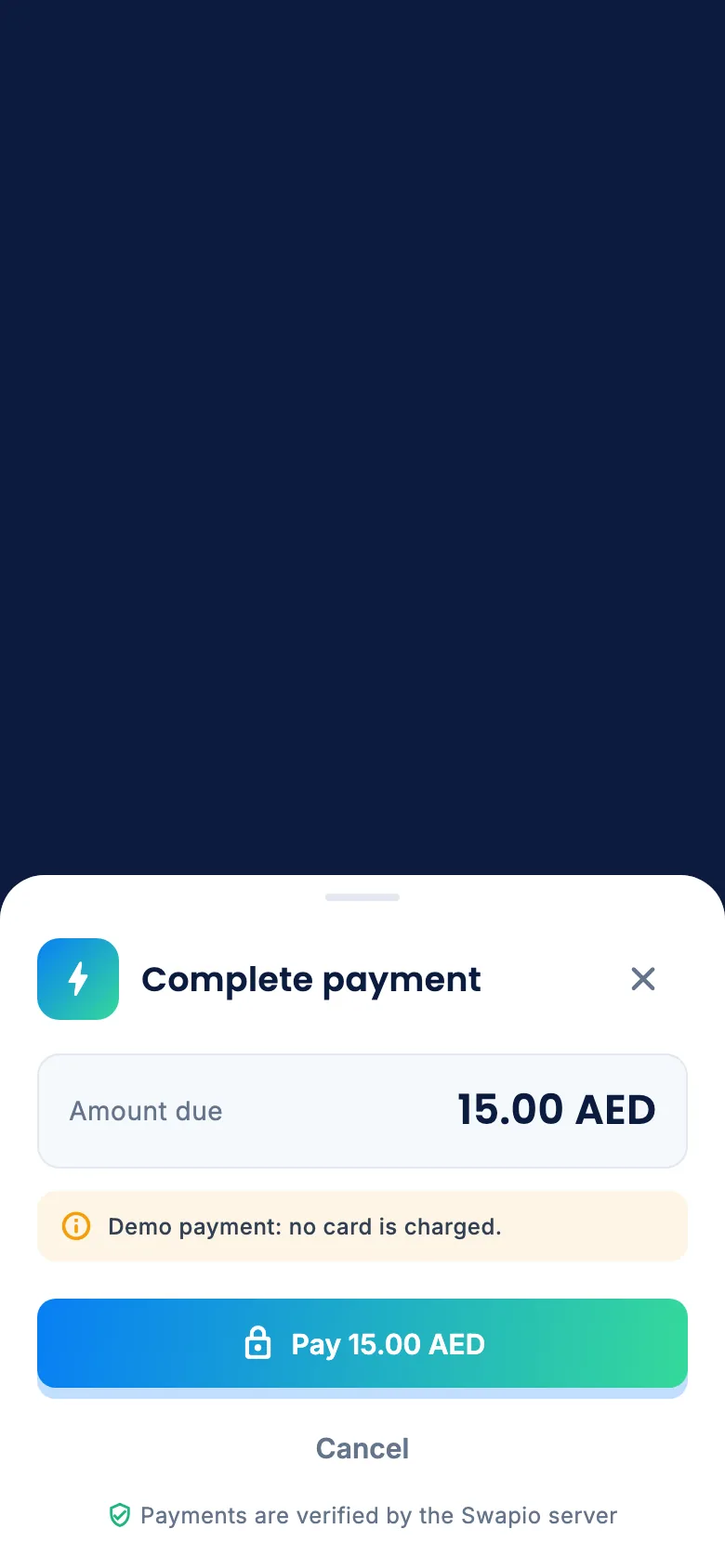
Free ads go straight to review. Paid boosts only switch on after the payment provider confirms the payment, so nobody gets a boost by editing an app request.
Post an ad
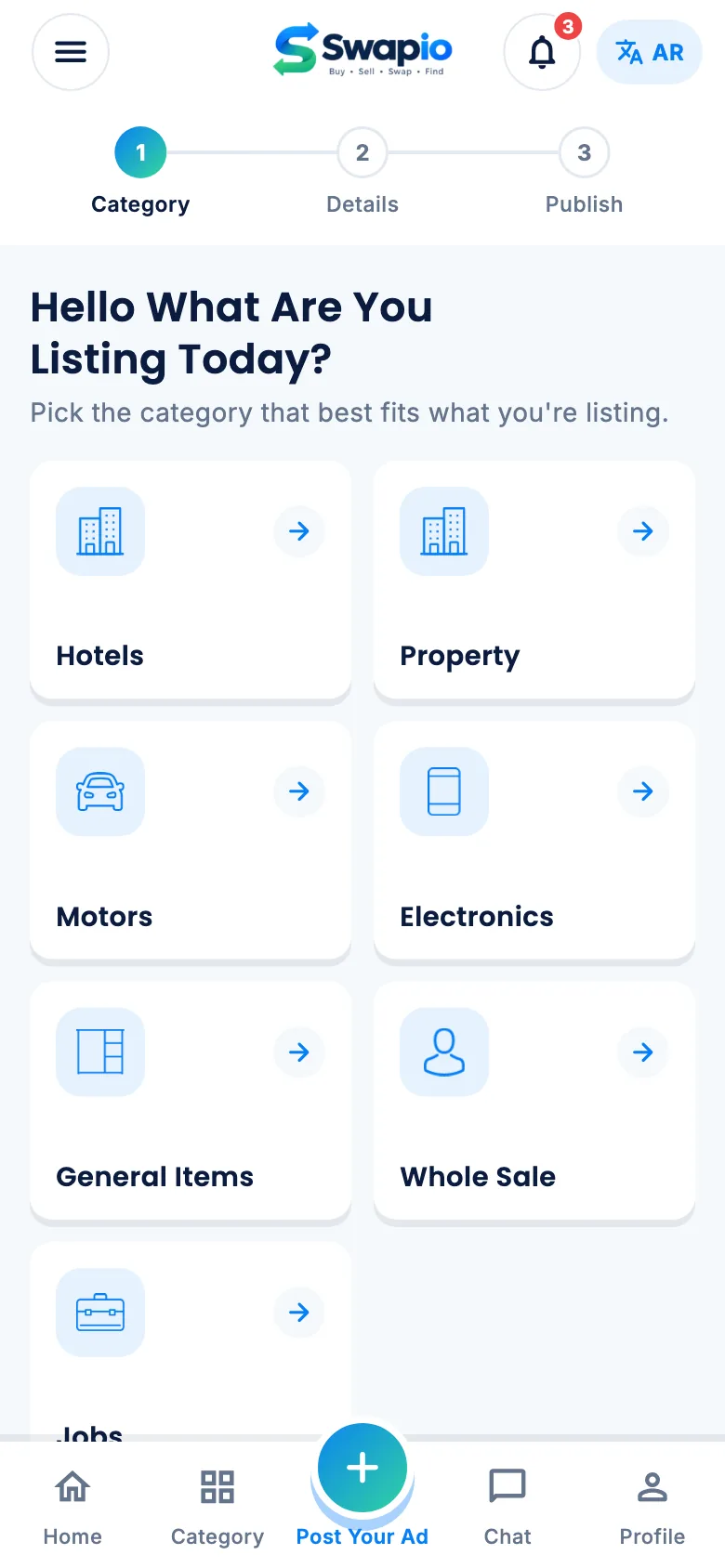
Pick a category, add photos, price and details. Cars, property, jobs and more each have their own fields.
Pick a plan
Standard is free. Boost and Super Boost put the ad above others for 7 or 14 days.
Pay, then verify
The app pays through /Payments/Start. The server checks it with the provider in /Confirm.
Live and trending
The ad appears in its category, in search, and in the Trending band on the home screen.
Mobile app
Everything buyers and sellers need, in one app
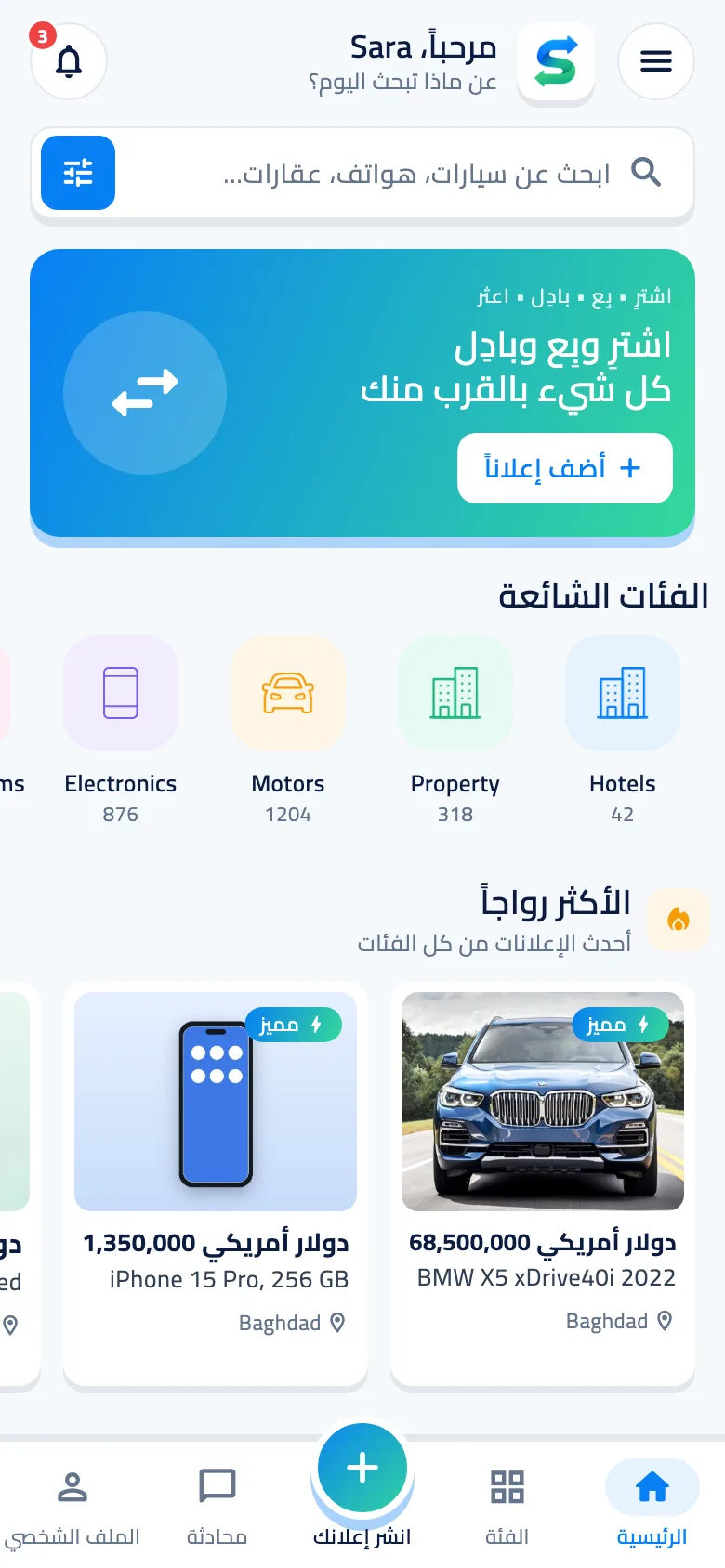
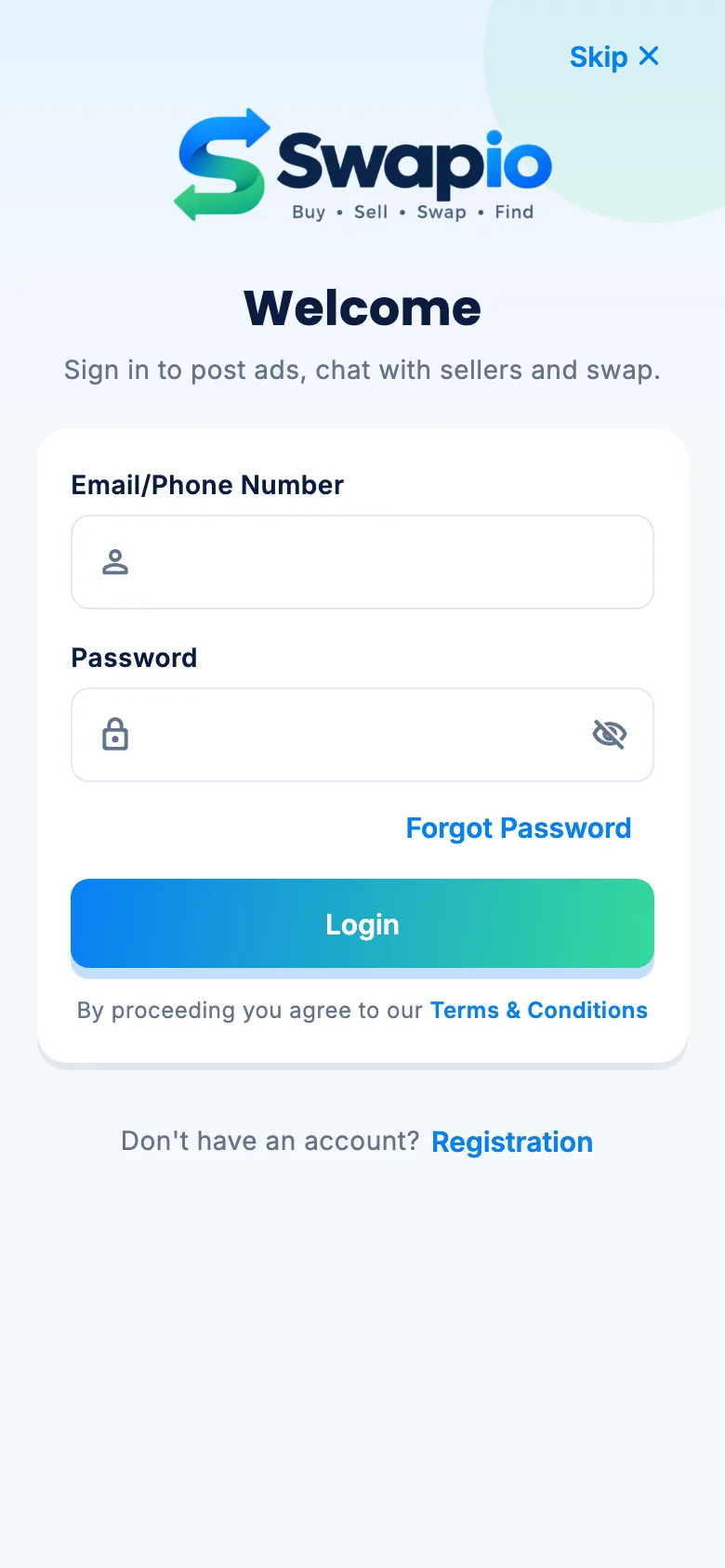
Built with Flutter for iOS and Android, in English and Arabic with a full right-to-left layout.
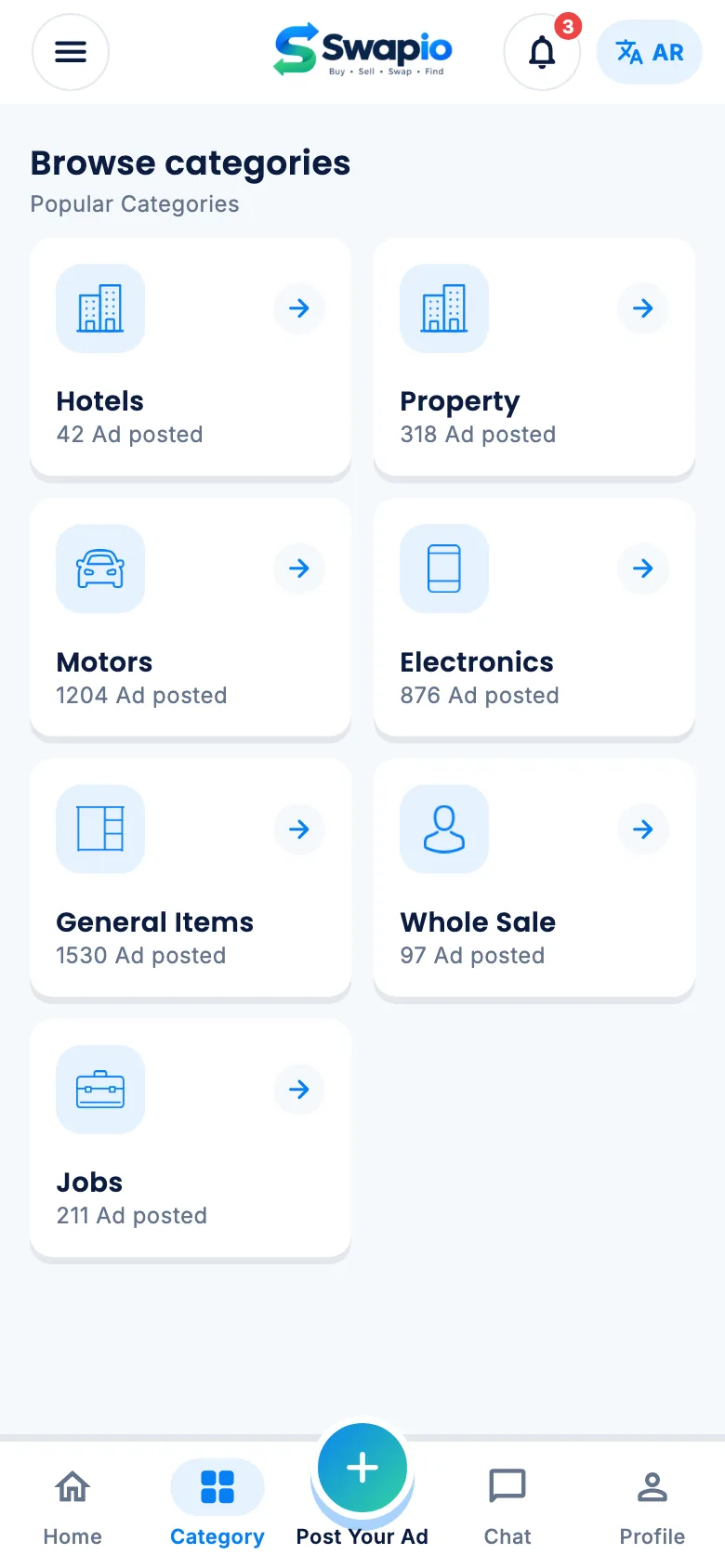
Search & filters
Search every category, then filter by city, price, brand, year, rooms and more.
Swap requests
Offer one of your own ads in exchange. The owner accepts or rejects in the app.
Chat with sellers
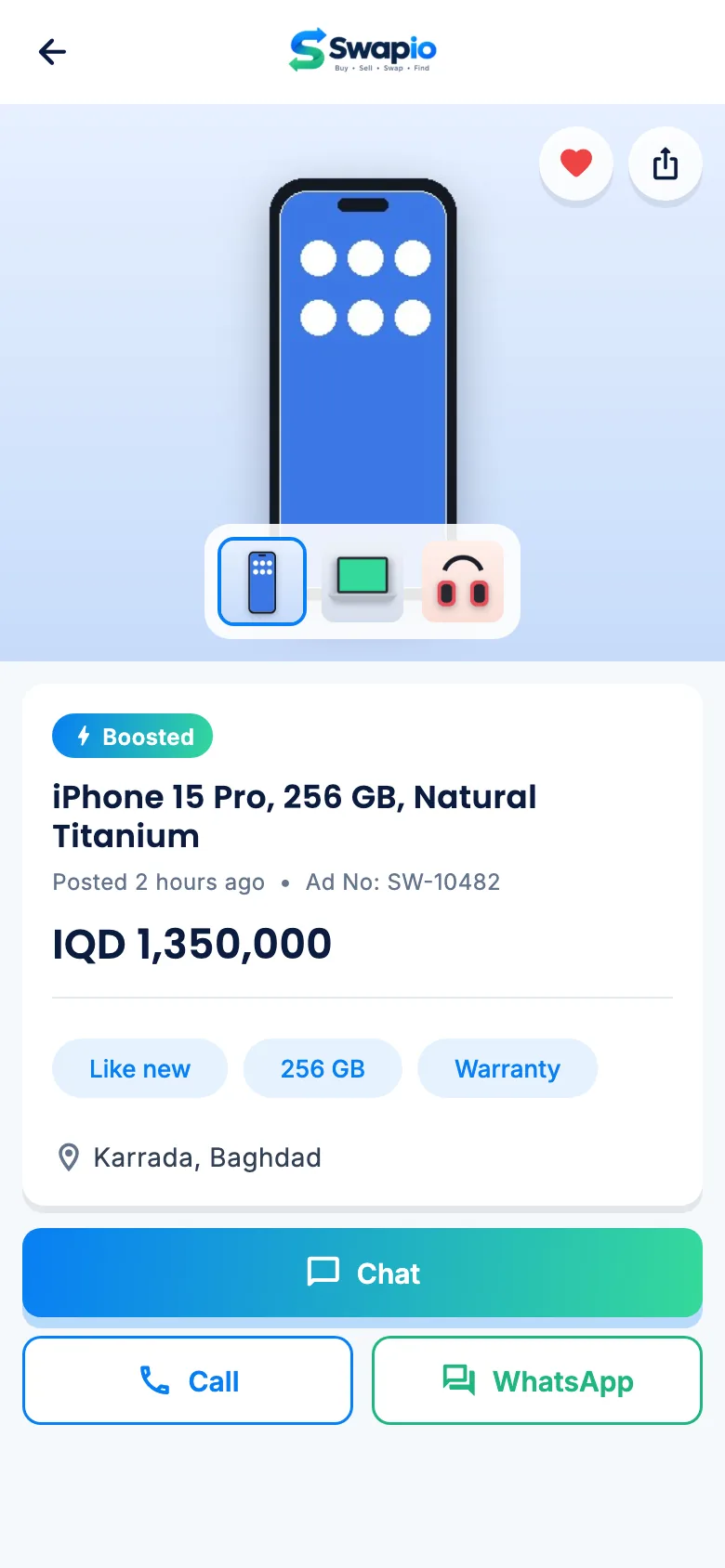
Built-in chat, plus call, WhatsApp and email buttons on every ad.
Jobs & candidates
Companies post jobs and candidates post profiles, with CV uploads and applications.
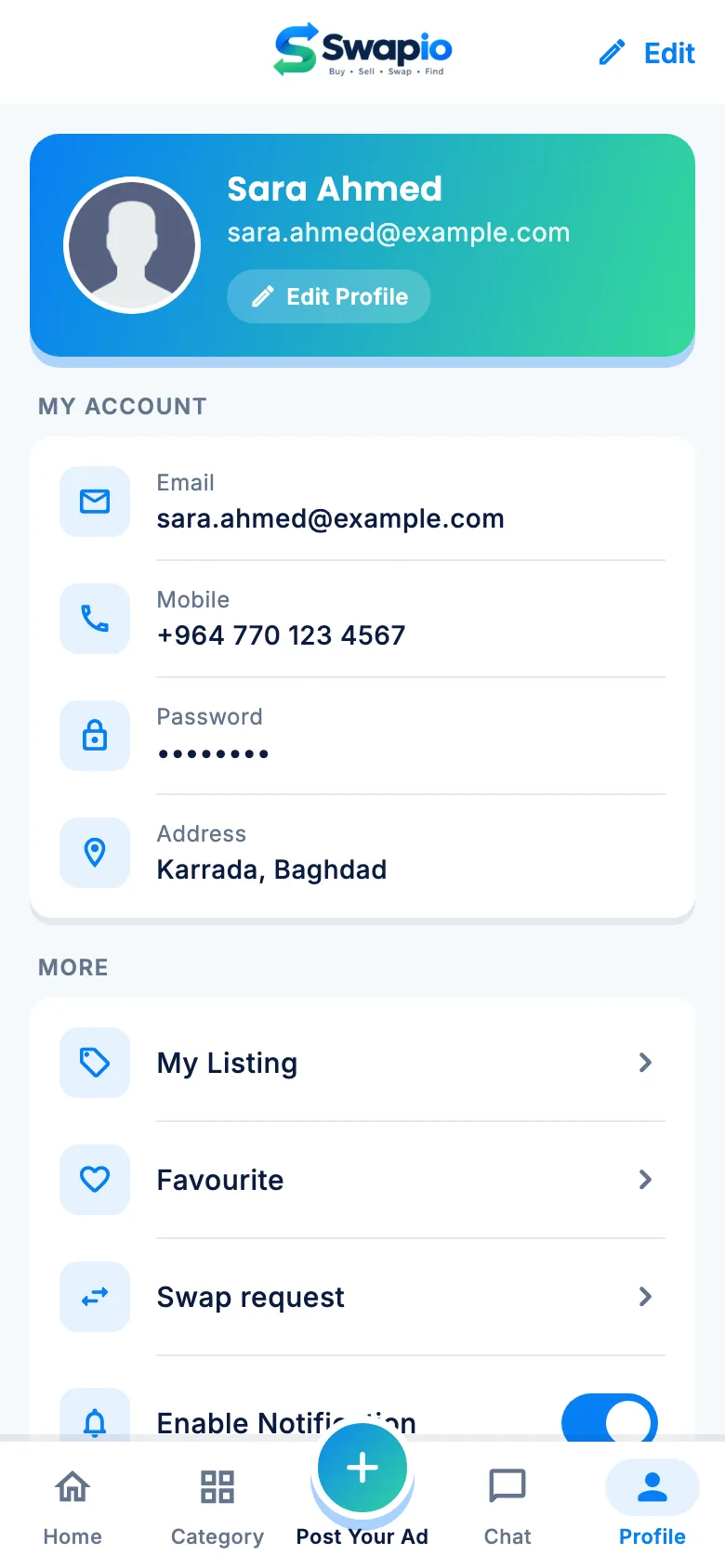
Wishlist & my ads
Save ads for later, manage your own listings and boost them at any time.
English & Arabic
Every screen is translated, with Cairo for Arabic text and a mirrored layout.
Boost plans
Three plans, priced per category
Admins set the price and length of each plan for every category. The demo ships with these three.
Standard
A normal listing, live for 30 days after review.
Boost
Above standard ads for 7 days, with a Boosted badge.
Super Boost
Top of the list and in Trending for 14 days.
Screens
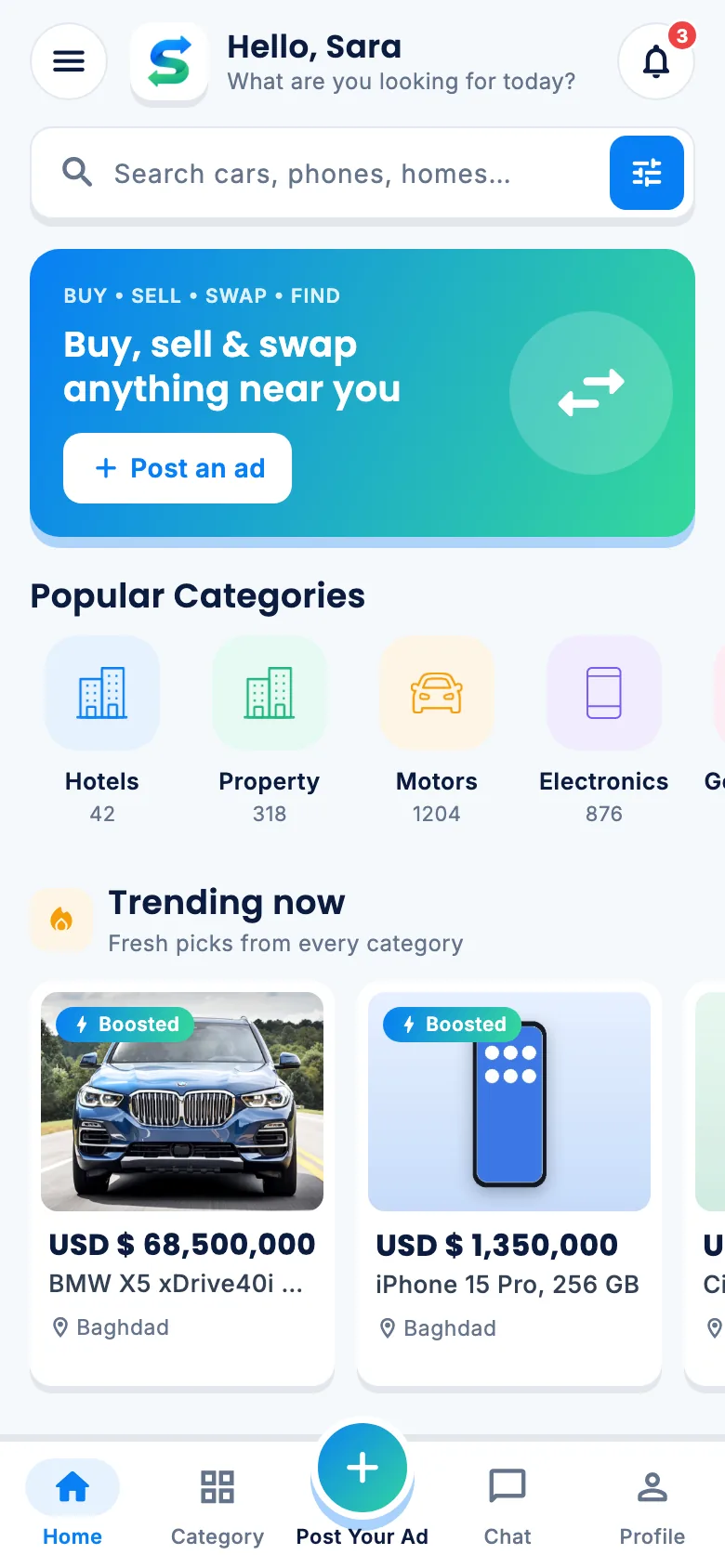
A home screen built around what’s new near you
Categories first, then trending and popular ads with boosted ones on top. Scroll sideways to see more.
Website
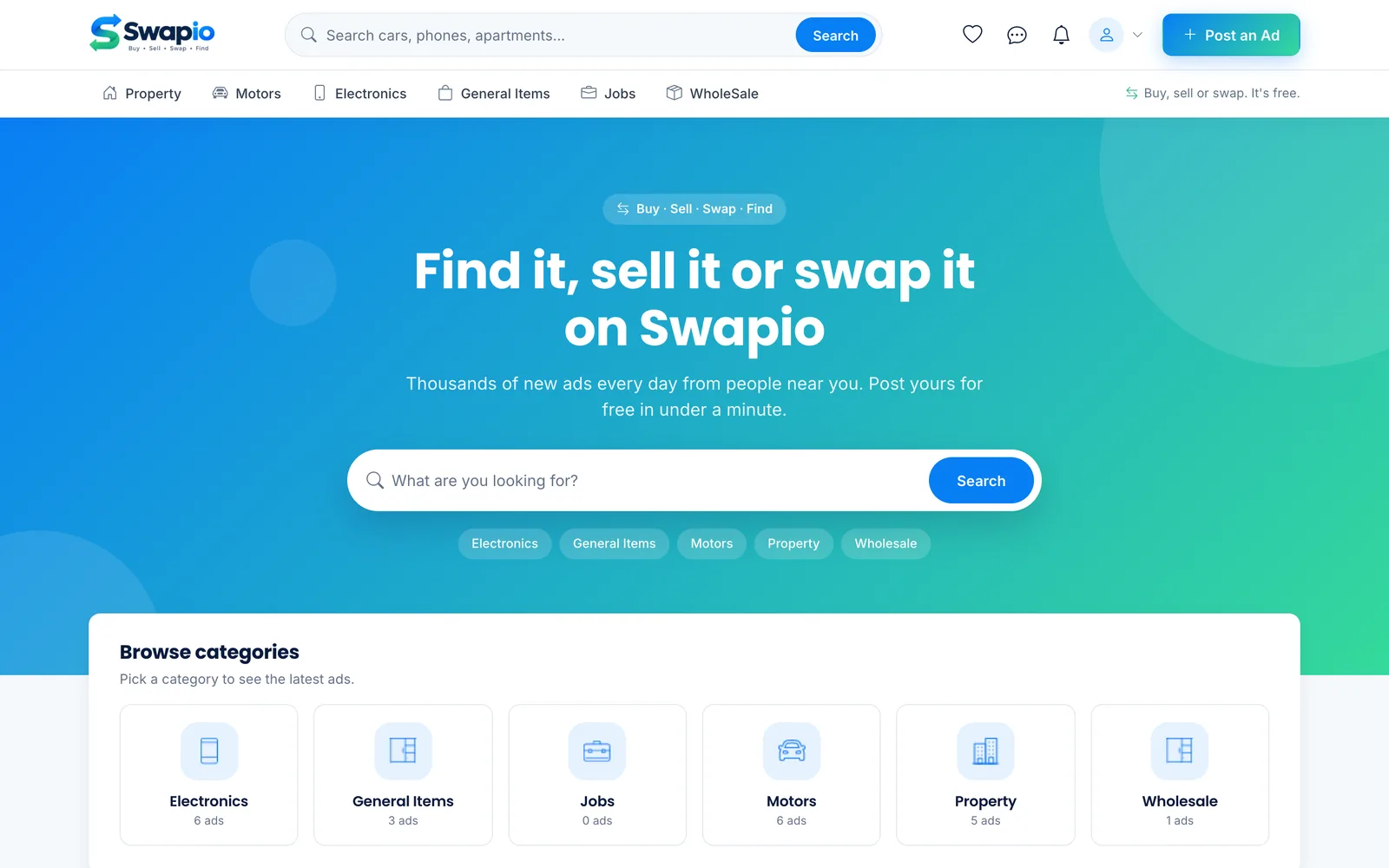
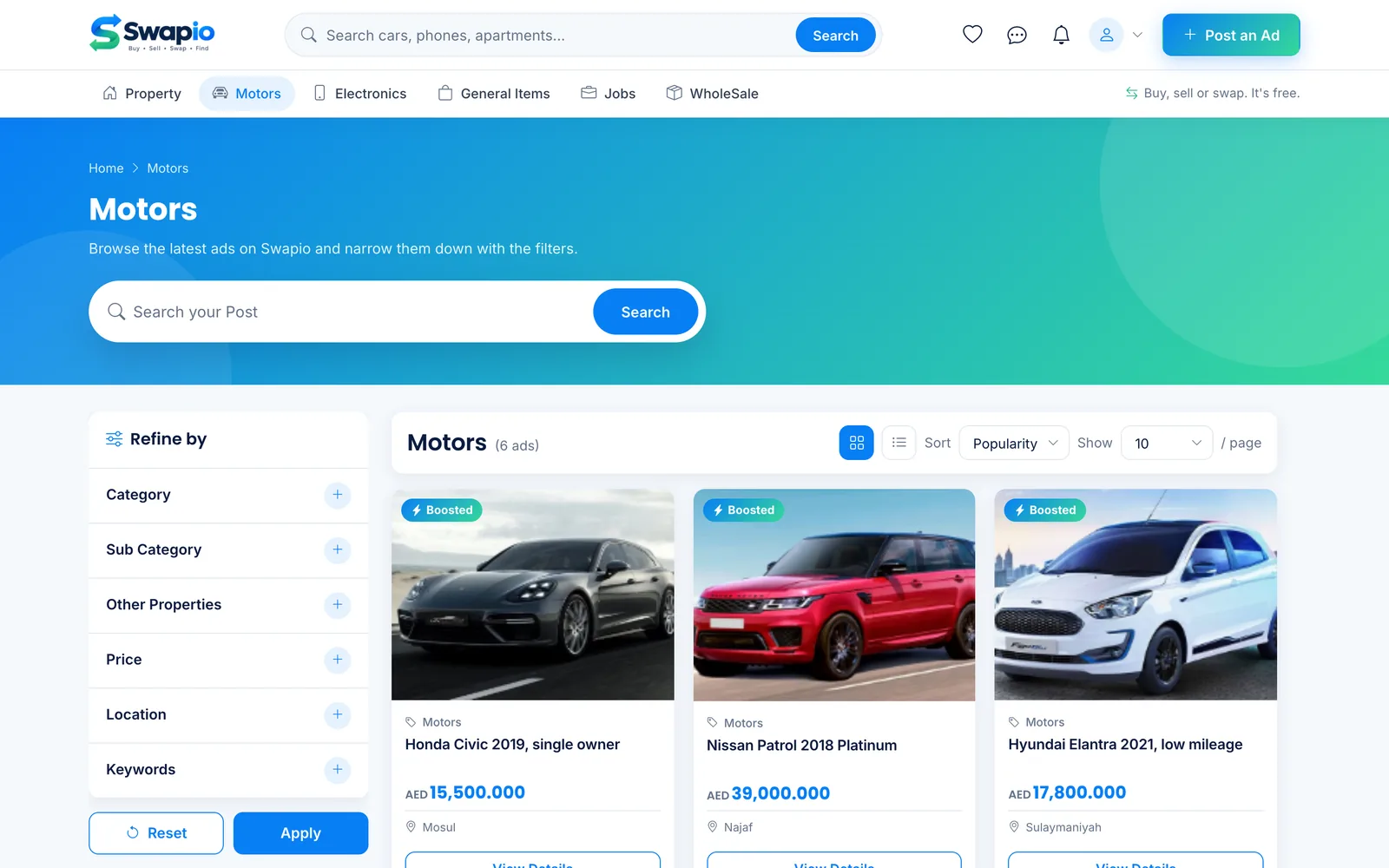
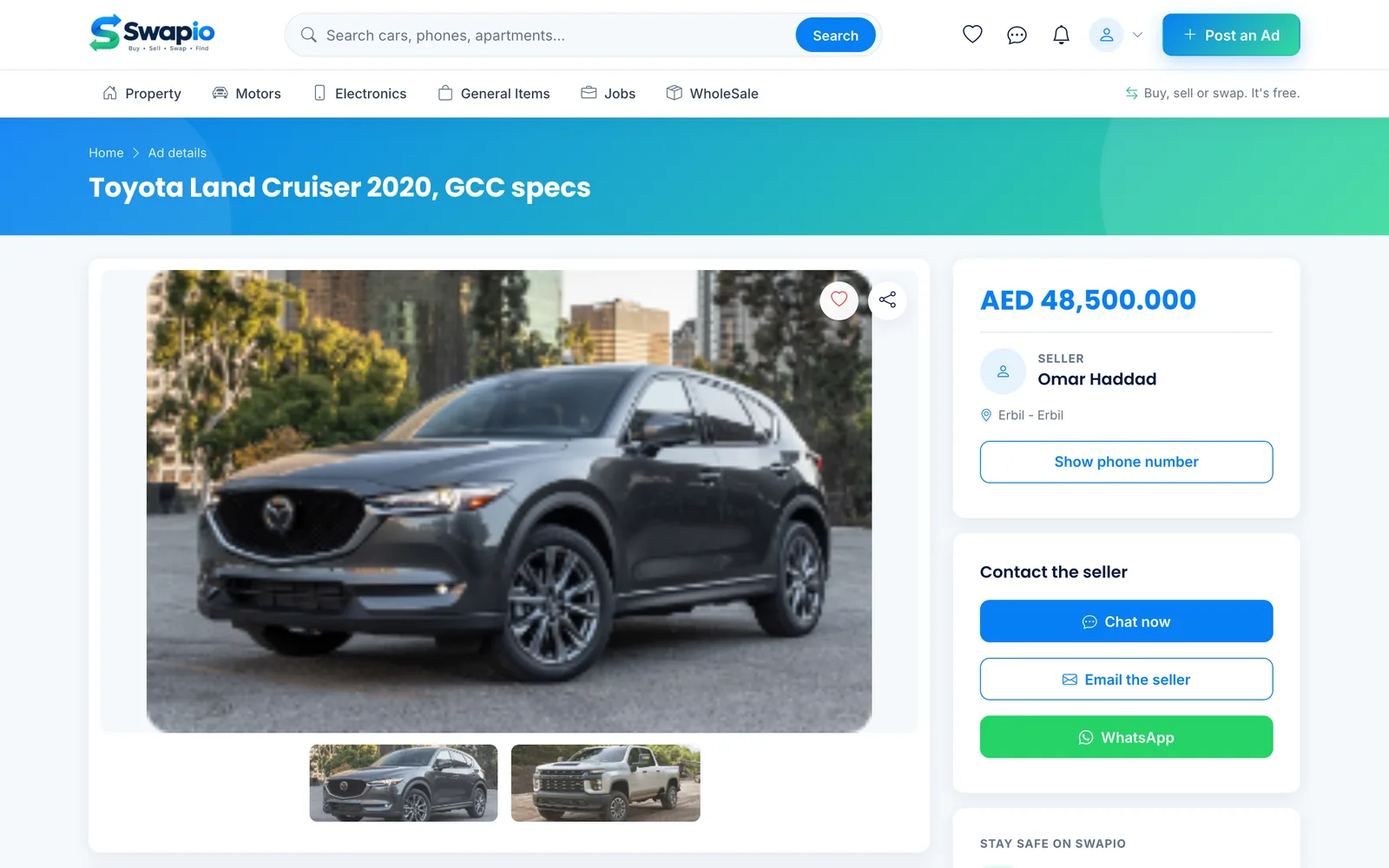
The same marketplace on the web
Search, browse, post and chat from any browser. It uses the same accounts, ads and payments as the app.
Admin panel
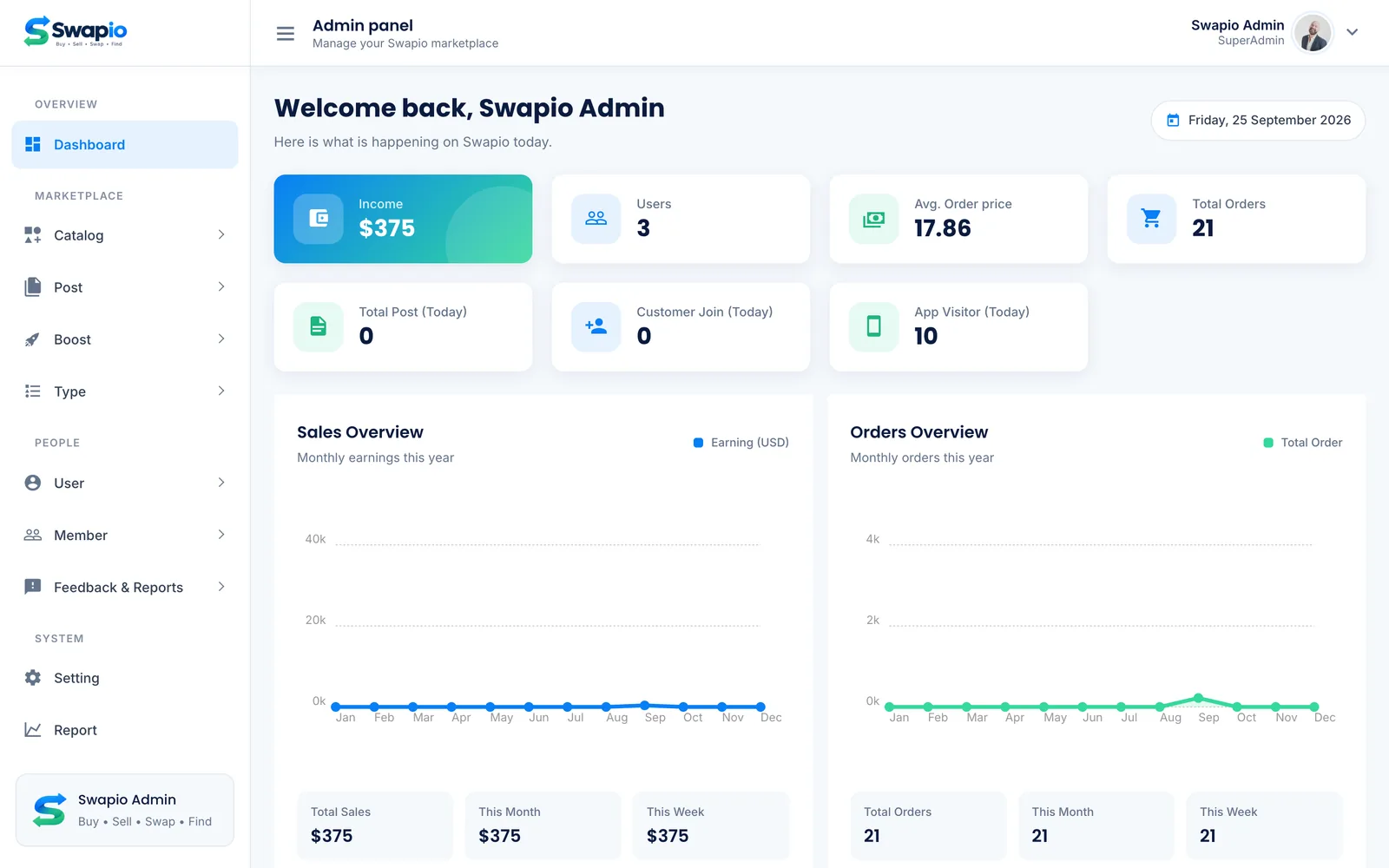
Run the whole marketplace from one place
Sales, orders and new members on the dashboard, and every ad, boost and category one click away.
admin / Admin@123.Open the live admin panelPayments & security
Rules the server enforces on every payment
The app never marks anything as paid. It asks the server, and the server asks the payment provider.
No boost without a payment
A paid invoice stays pending until the provider confirms it. Skipping the payment step gets refused.
activate, not paid → Payment required
fake payment id    → Not confirmed
real payment id    → Payment confirmed
Demo today, Stripe tomorrow
One setting picks the provider. Demo approves every payment for testing; Stripe takes real cards.
"Payments": { "Provider": "Demo" }
"Payments": { "Provider": "Stripe" }
Payment ids that can’t be faked
Each payment id is signed by the server and tied to one invoice and amount. Edited or reused ids are rejected.
Signed admin sign-in
The admin cookie is encrypted and signed, expires after 12 hours, and every admin page checks it on the server.
What’s included
Full source for all three parts
Flutter app
iOS and Android app with GetX, one theme file for colors and fonts, English and Arabic text files, and a screenshot test harness.
lib / theme / app_colors.dartWebsite, admin & API
ASP.NET Core on .NET 10: the public website, the admin panel and the REST API for the app, with a pluggable payment layer.
Areas · Controllers · ServicesDatabase
SQL Server with migrations, a setup tool, a Docker command and demo data with ads, photos and an admin account.
SQL Server 2022 · DockerFAQ
Common questions
Can I change the name, logo and colors?
Yes. Colors live in one place in each part: a theme file in the app and a CSS file each for the website and the admin panel. Logos are plain image files, and a branding guide explains every token.
Does it take real payments?
The demo uses a Demo provider that approves every payment without charging. Set the provider to Stripe and add your Stripe keys to take real card payments; the server-side checks stay the same.
Which categories are included?
Motors, property, electronics, general items, jobs and wholesale, each with sub-categories. Admins can add, rename and reorder categories and the fields they ask for.
Does it support Arabic?
Yes. The app has a full right-to-left Arabic version, and categories, cities and plans have Arabic names in the database.
Can I run it on my own server?
Yes. The backend runs anywhere .NET 10 runs, with SQL Server. A local setup guide covers Docker, migrations and demo data, and the app reads its server address from one setting.
Is the demo data reset?
The demo is shared, so other visitors may change it. It can be restored from the included seed file at any time.
See it working before you decide
Browse the demo website, then sign in to the admin panel and review the same ads from the other side.